The whole questionnaire, not just the tasks
A conjoint study is never only conjoint: screeners come first, demographics come last, and attitude batteries sit in between. Choicery ships the complete survey toolkit, so nothing has to be stitched together across platforms.
Every question type, in the variants you need
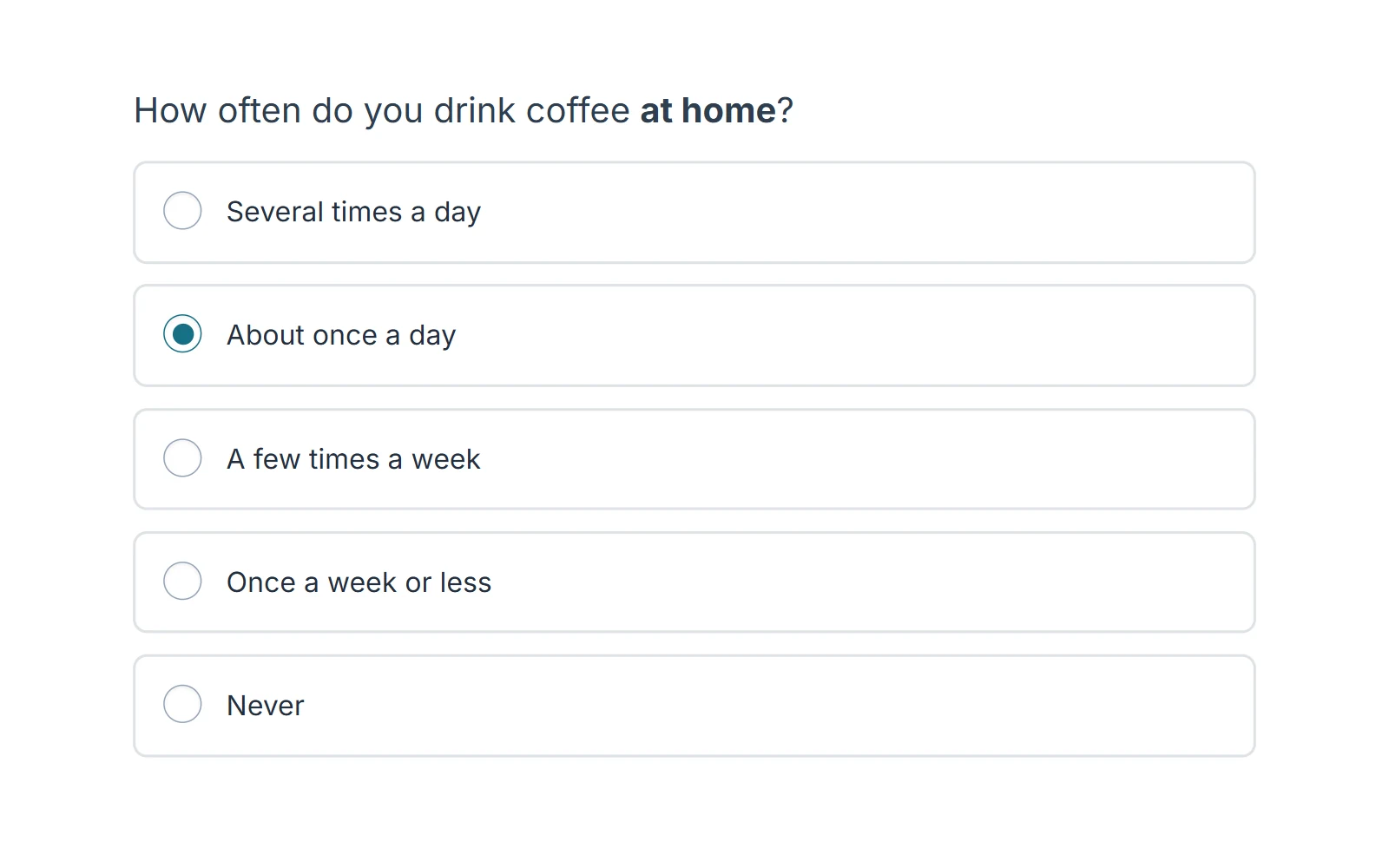
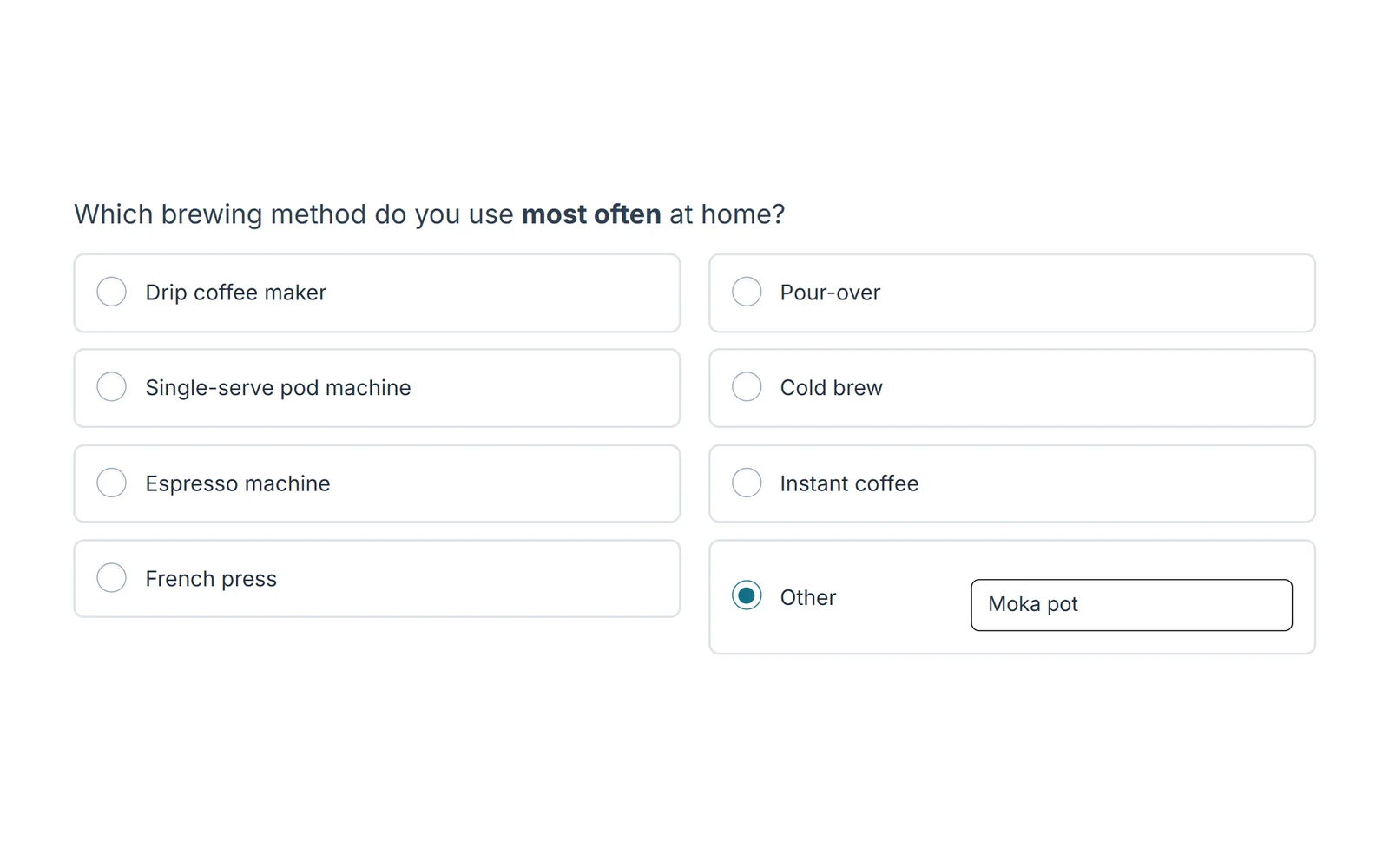
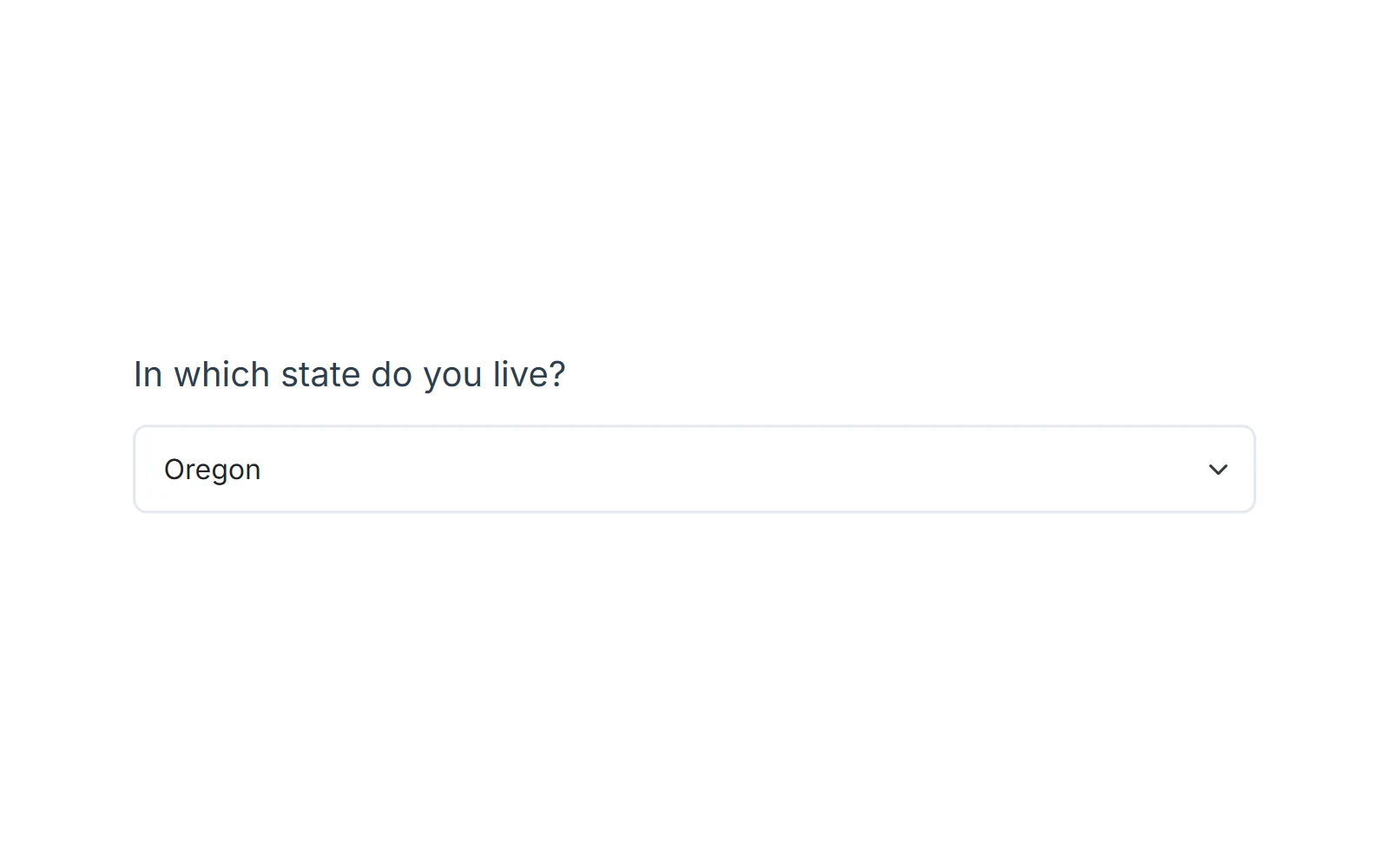
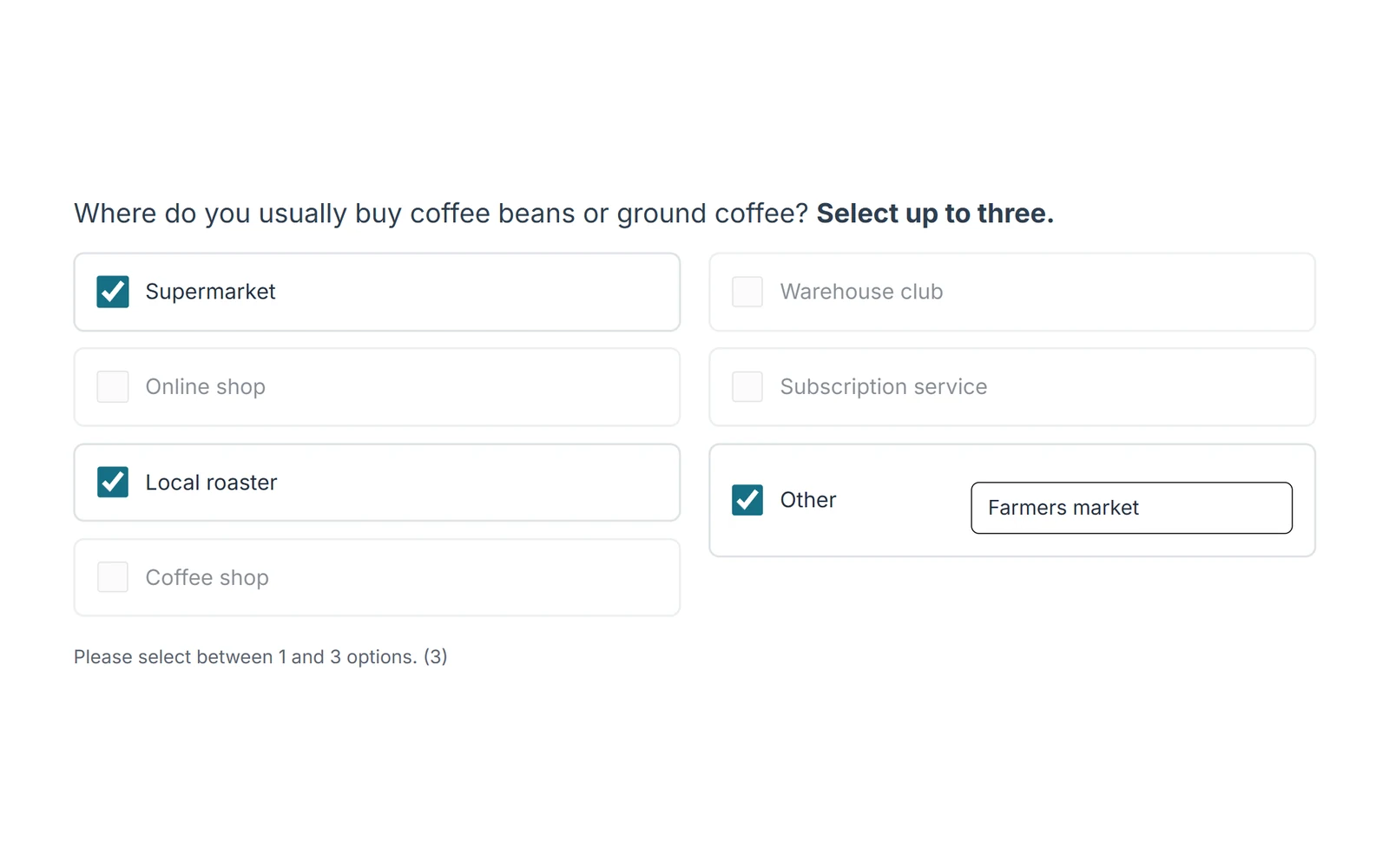
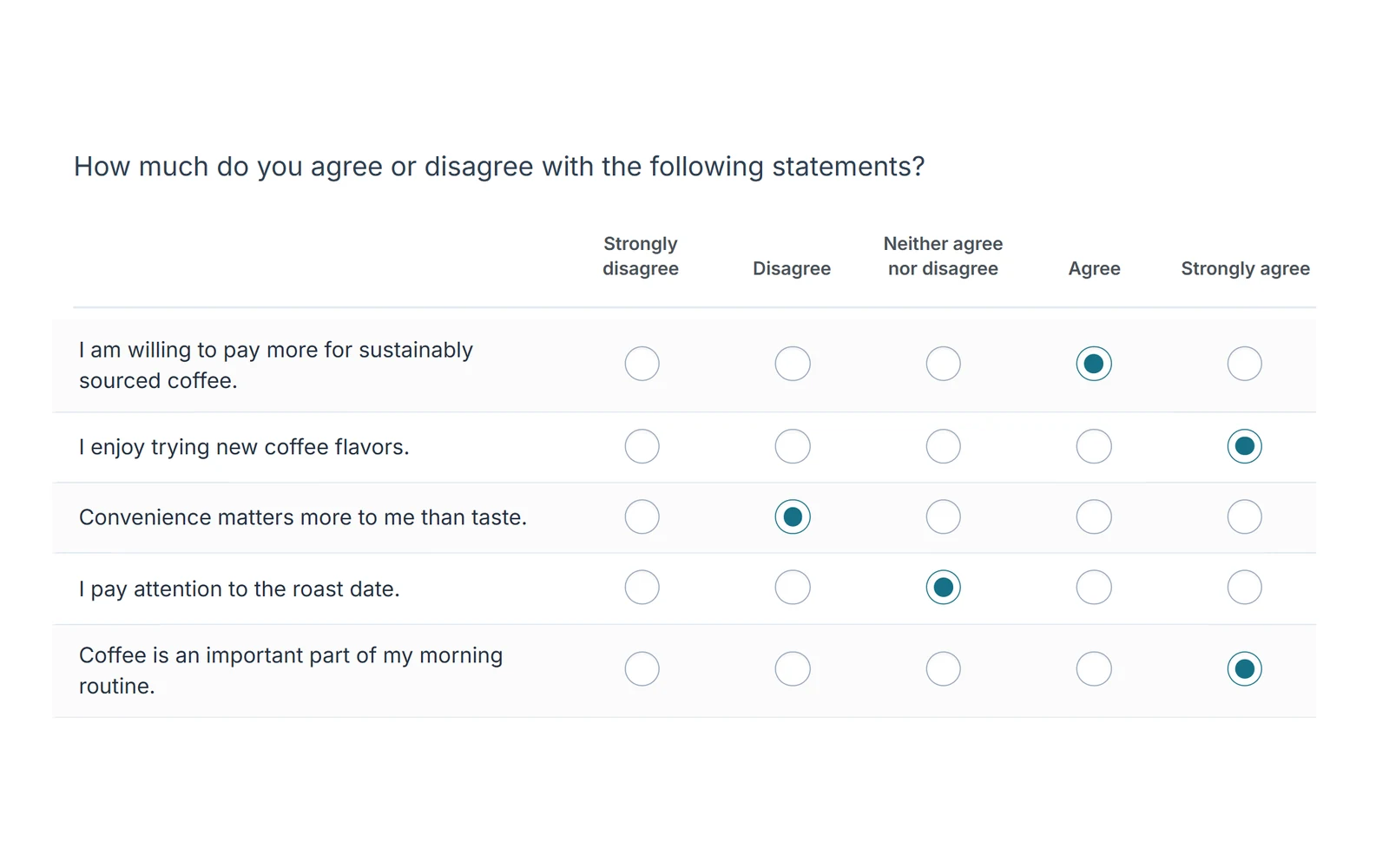
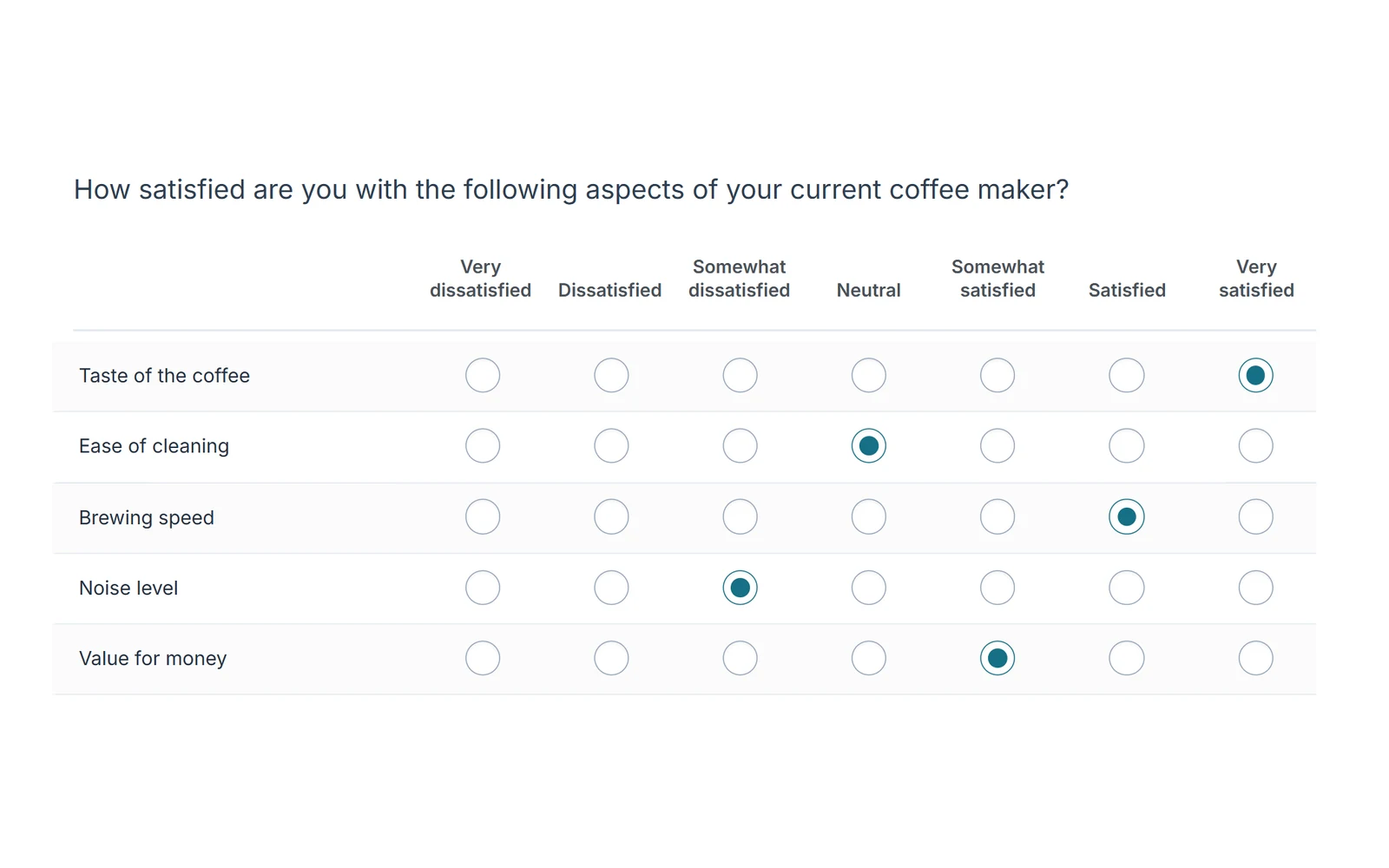
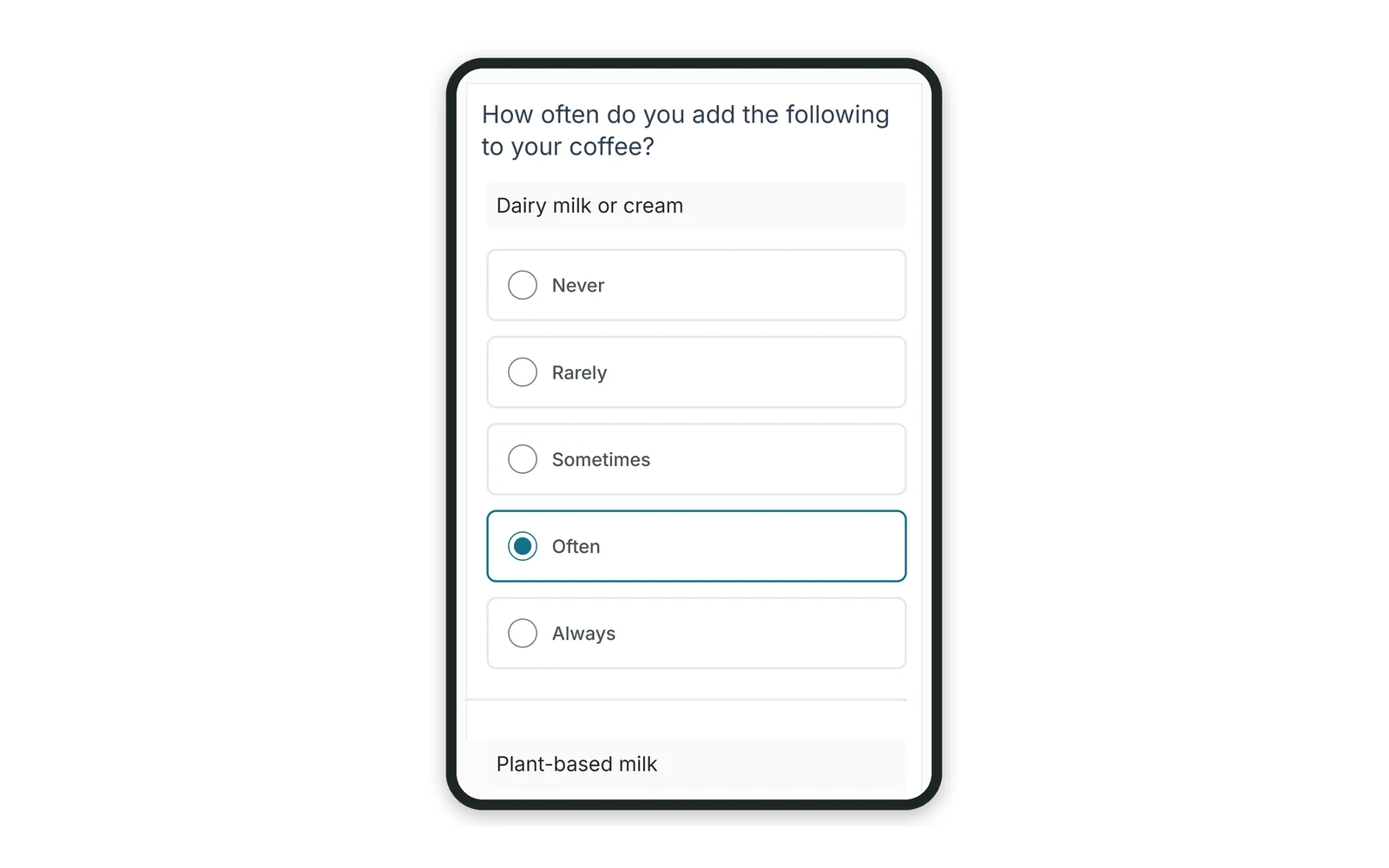
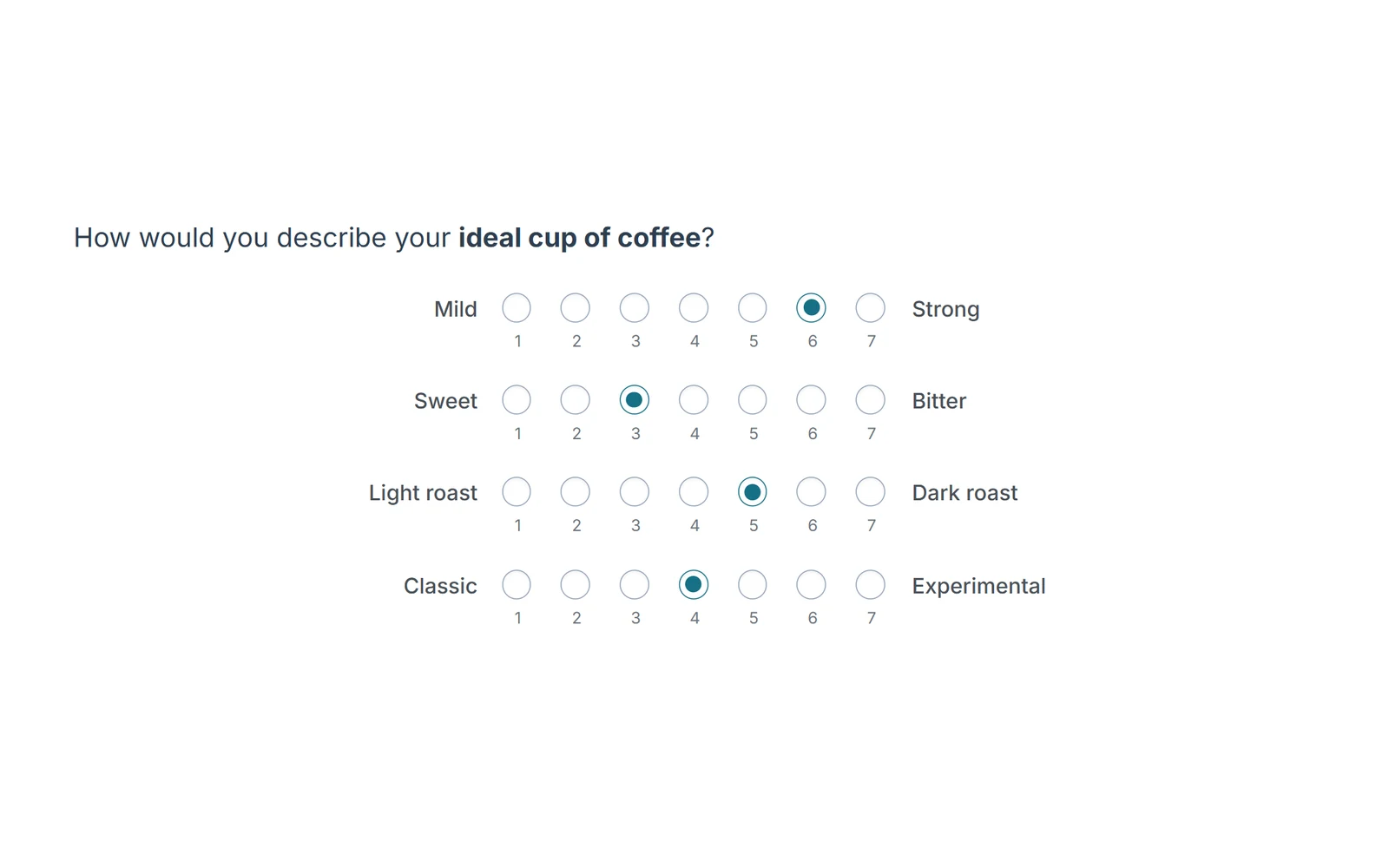
All screens below come from one demo questionnaire about coffee at home, built in Choicery and shown exactly as respondents see it.
Choice questions
Single and multiple choice carry screeners, profiling and behavior questions. Lay options out in one to three columns or collapse a long list into a dropdown, add an “Other, please specify” field to any option, and set a minimum and maximum for multiple answers.
- Radio buttons in one to three columns, or a dropdown
- Specify fields for “Other” answers
- Minimum and maximum selections
- Answer shuffling with stable coding
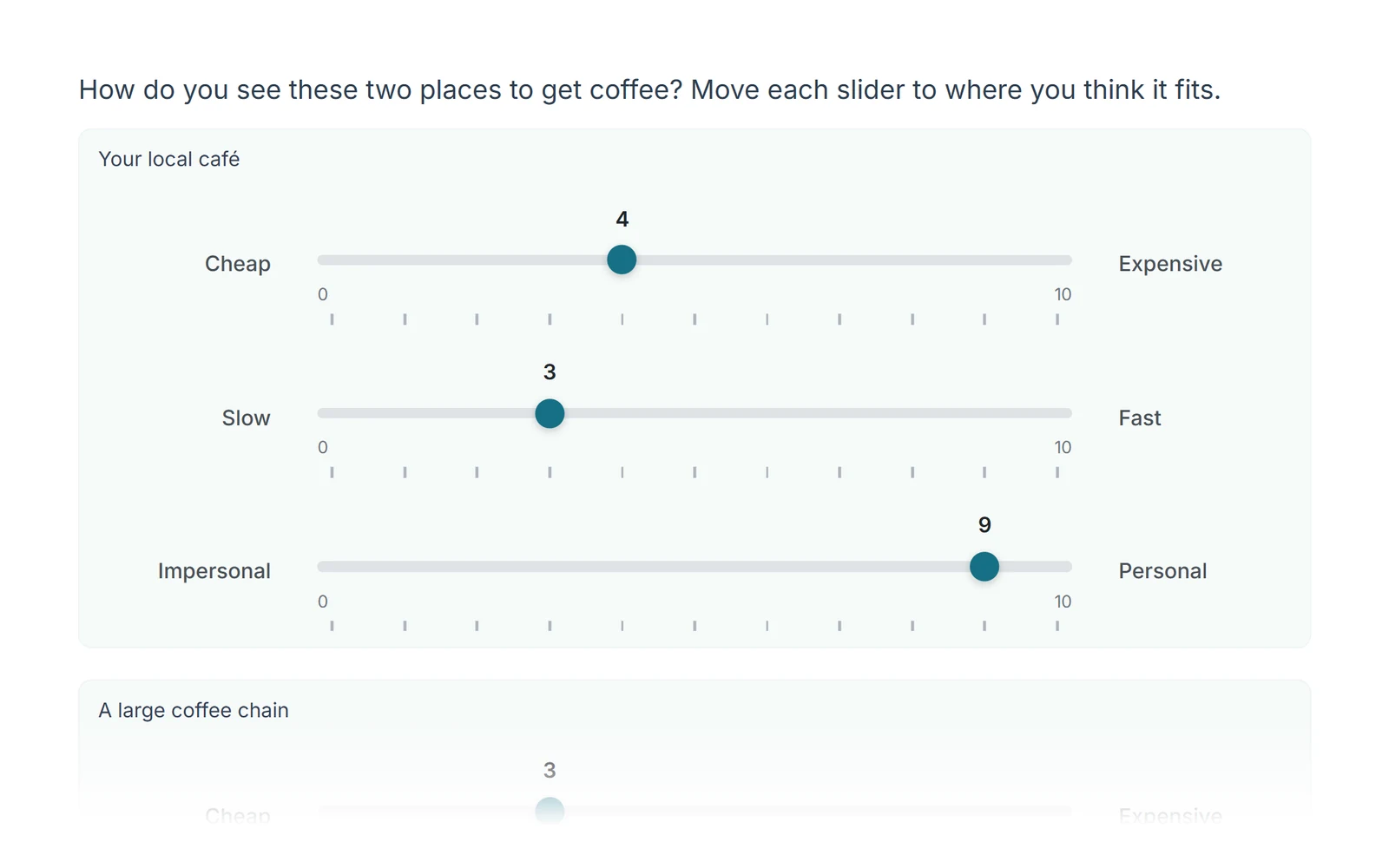
Grids and scales
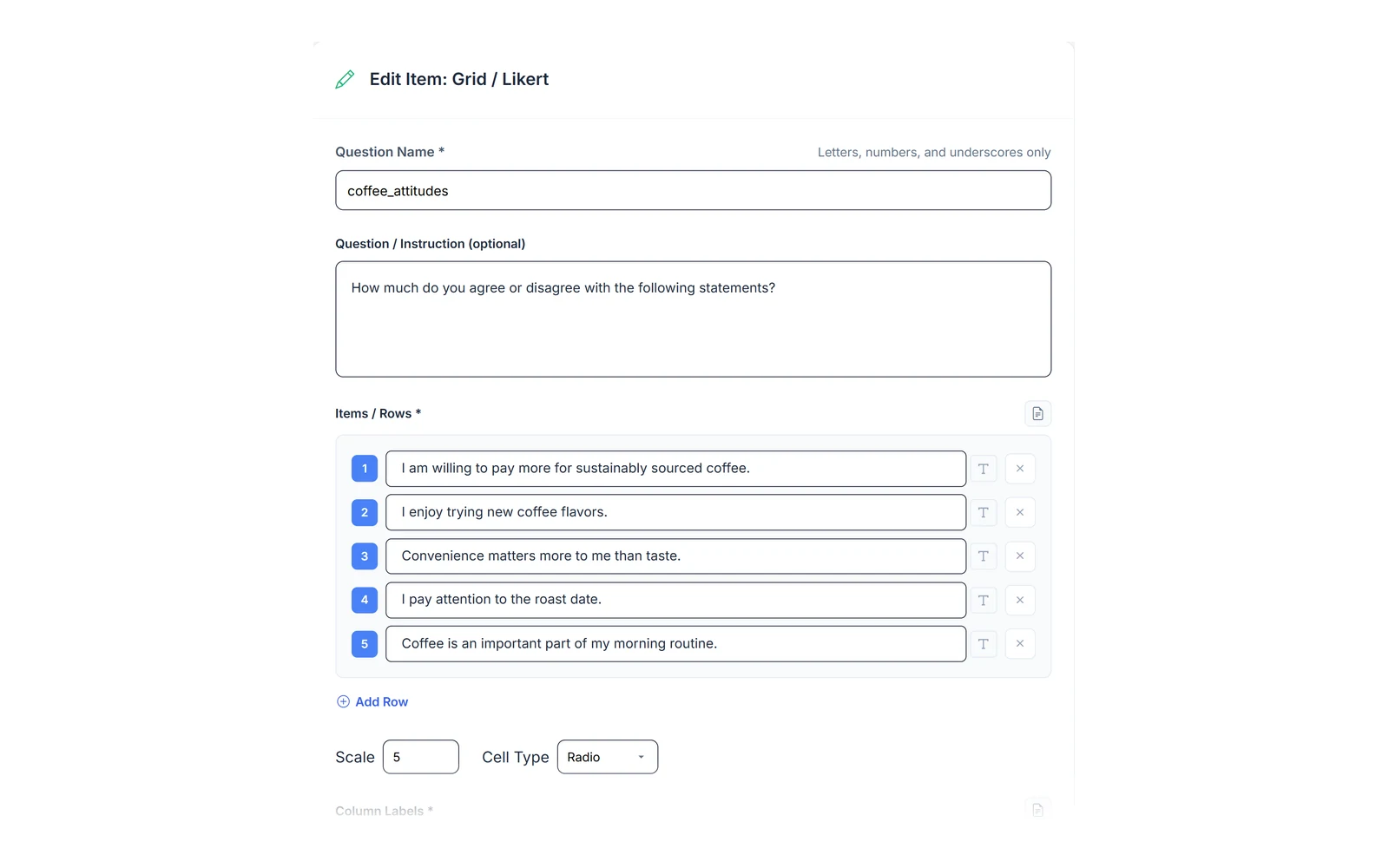
Likert grids take any number of statements and 2 to 20 scale points, labelled the way your field uses them: agreement, satisfaction, frequency or your own wording. Bipolar scales place adjective pairs on radio buttons or sliders.
- A label for every scale point
- Card layout on phones, no sideways scrolling
- Bipolar pairs as radio buttons or sliders
- Statement order can be randomized
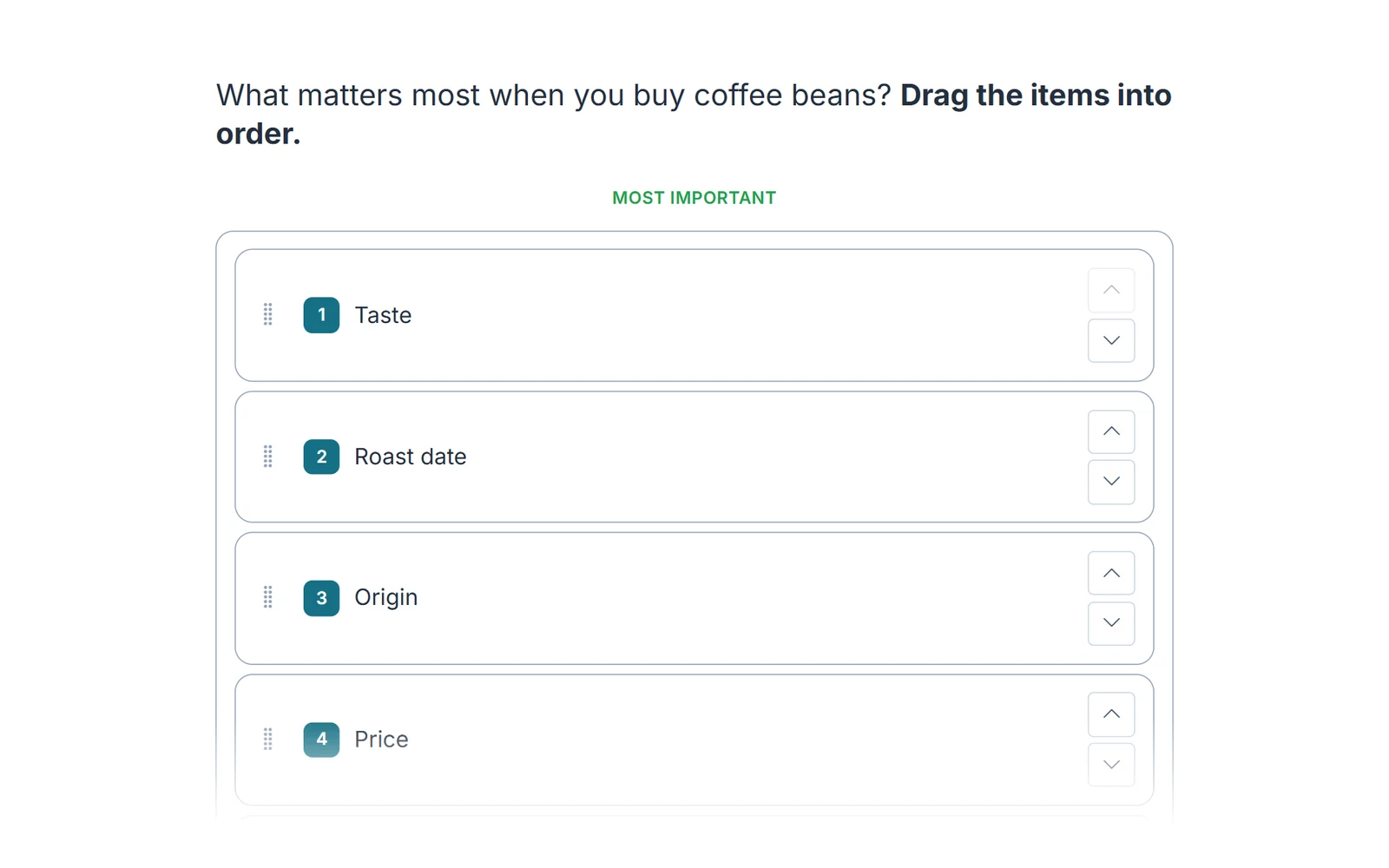
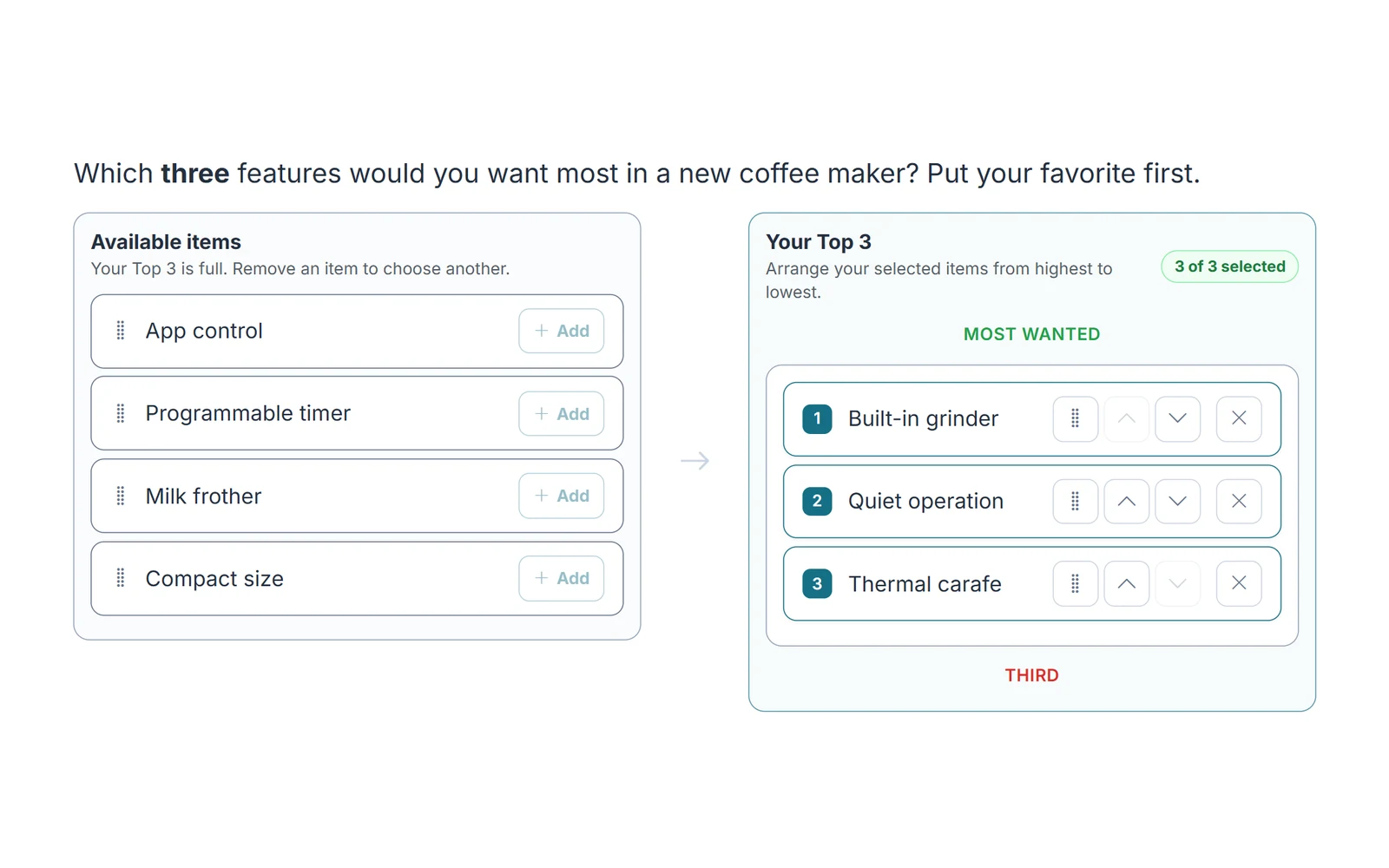
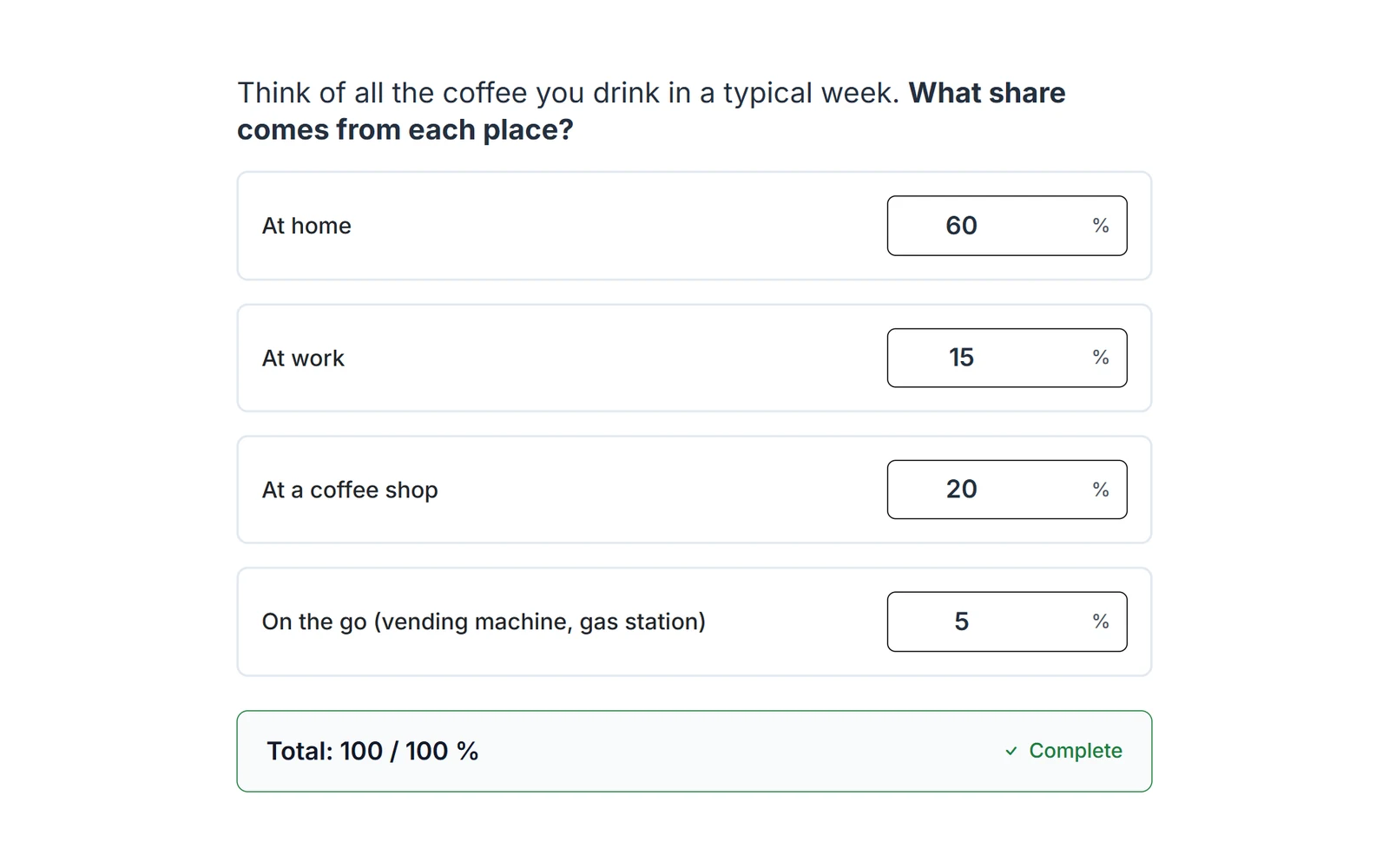
Ranking and allocation
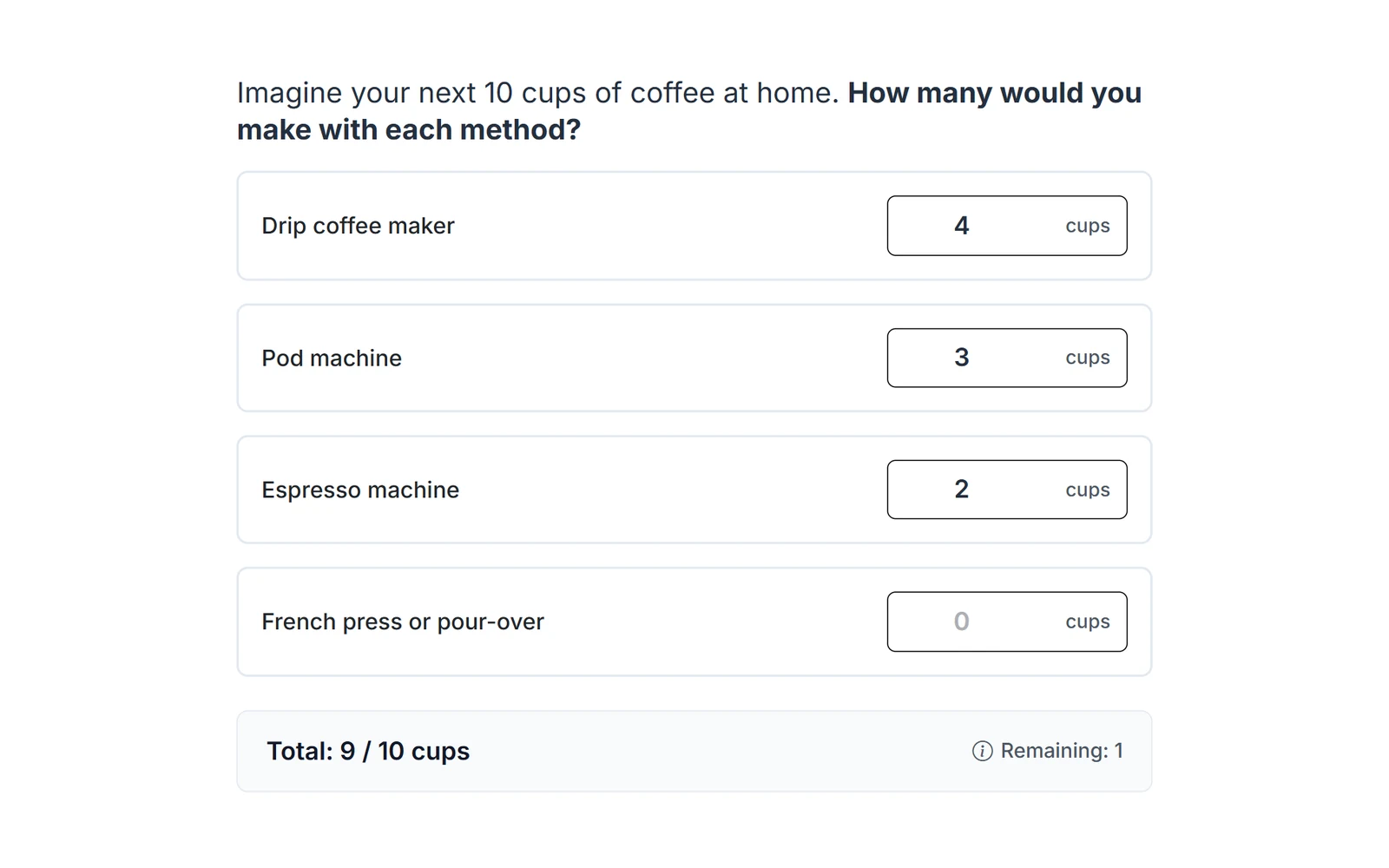
When respondents have to trade off, ask them to order or to allocate. Ranking covers all items or only the top few; constant sum splits a fixed total, with optional limits per item.
- Full ranking or top N
- Drag and drop or arrow buttons
- Constant sum with any total and unit
- Optional minimum and maximum per item
Numbers and open answers
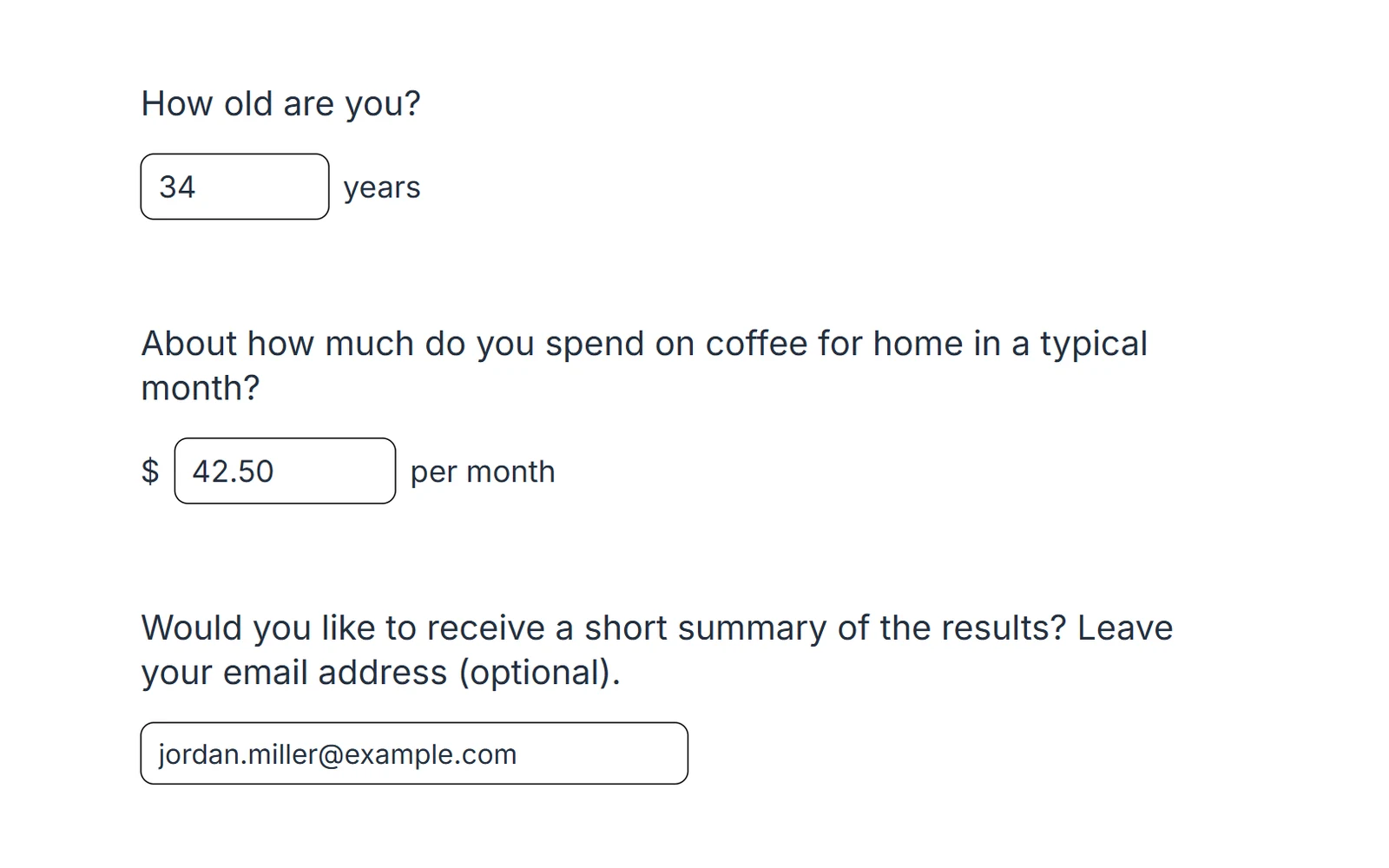
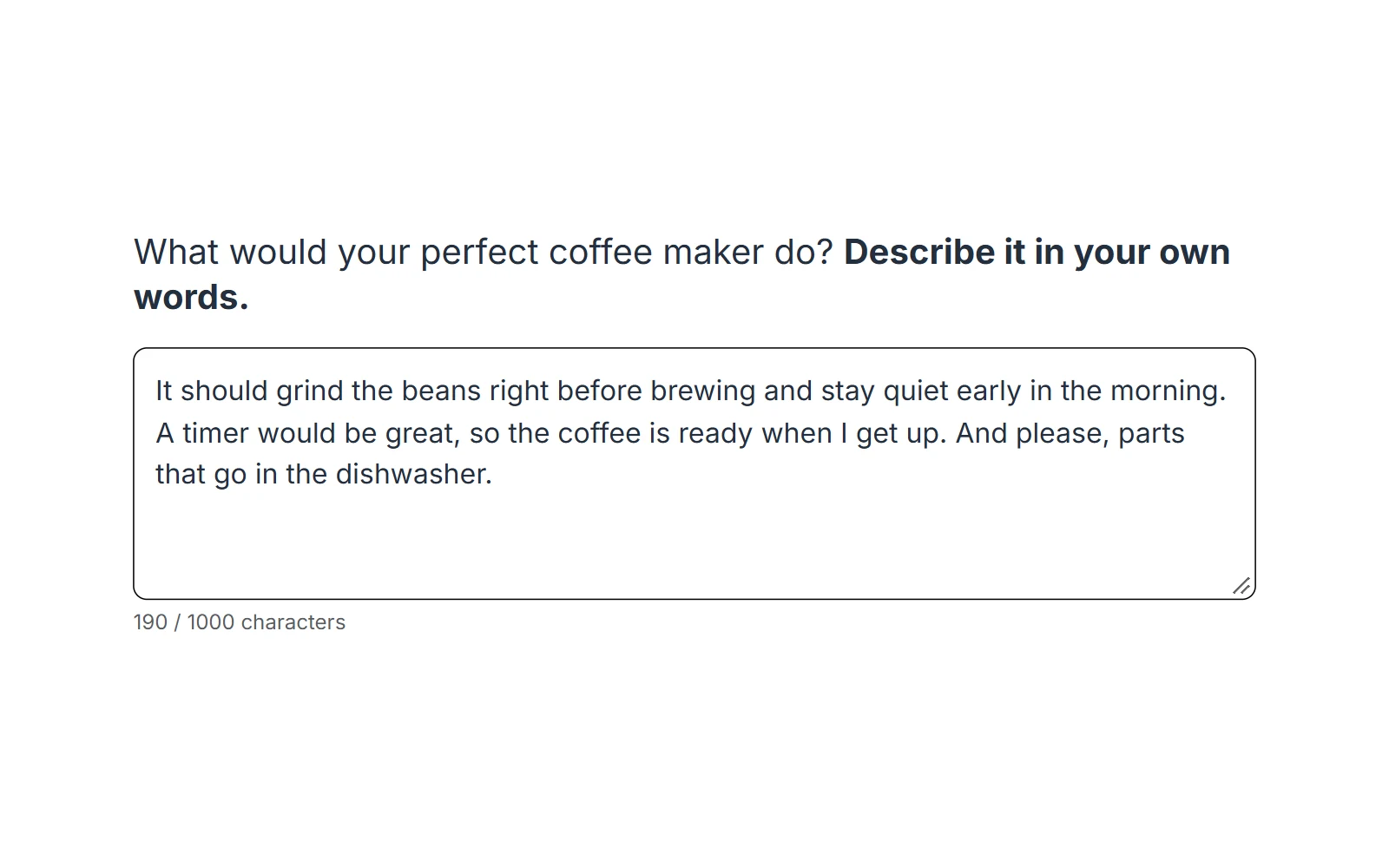
Numeric fields check the range and the decimals and take a label before and after the field. Text fields come in single-line and multi-line versions with six formats: free text, email, phone, URL, date or your own pattern.
- Range and decimal checks for numbers
- Labels such as $ or “years” around the field
- Character counts and limits for open text
- Formats re-checked on the server
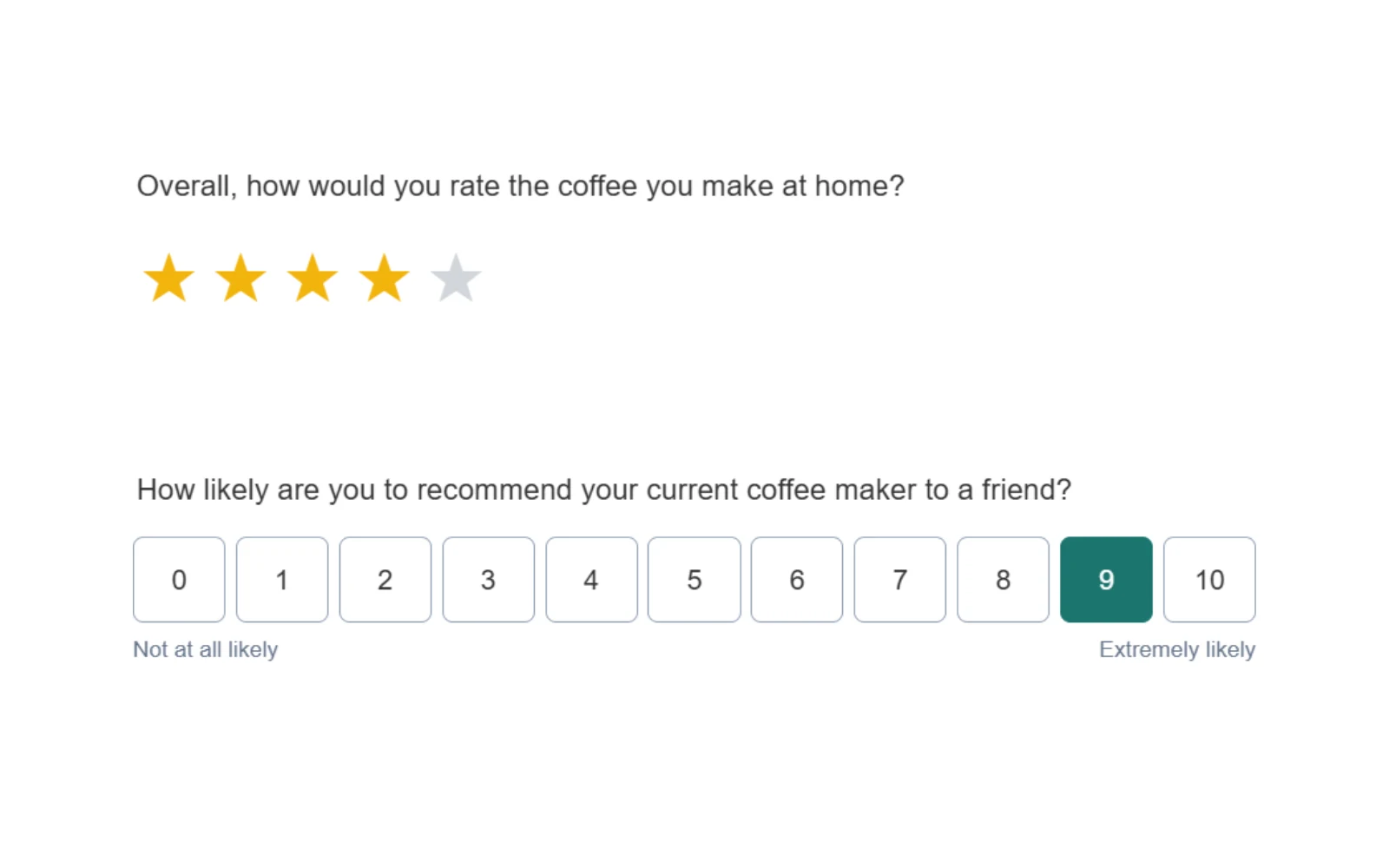
Text pages and custom HTML
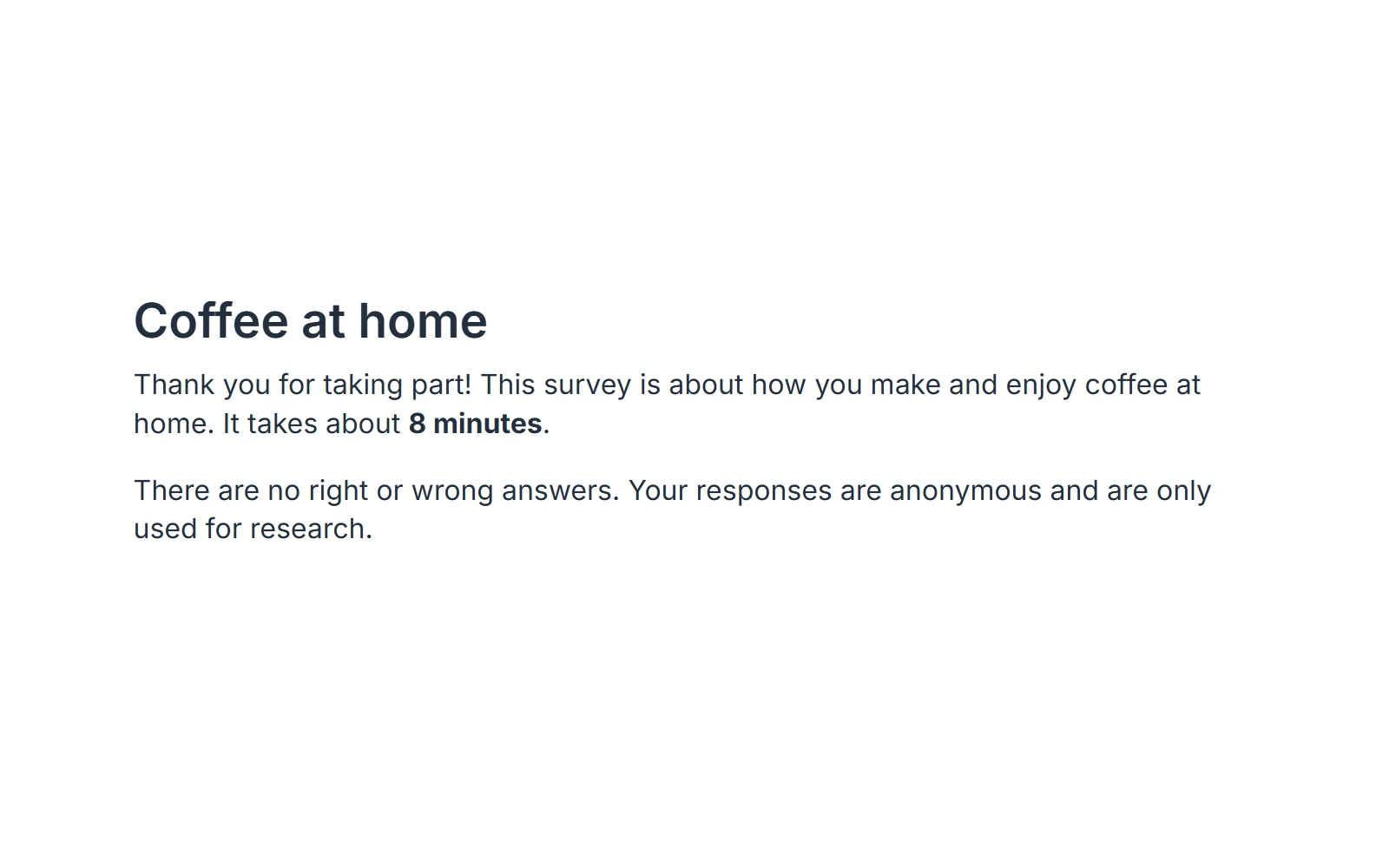
Text pages carry intros, consent and instructions. For anything the built-in types cannot draw, Custom HTML takes your own markup and stores its fields like any other answer, safely sandboxed.
- Rich text with images, video or audio
- Recipes for star ratings, NPS, risk and time preference tasks
- Sanitized on save, rendered in a sandbox
The item library at a glance
Every classic question type, stored rename-safe and exported with clean column names. Single-choice answers are coded by the original option number, so renaming a label or shuffling the order never changes what a stored answer means:
- Text & Media. Instructions, intros or consent text, with an optional image or embedded video. Display only, collects nothing.
- Single Choice. Radio buttons or a dropdown for long lists, with optional "specify" follow-up fields and answer shuffling that keeps the coding stable.
- Multiple Choice. Checkboxes with optional min/max selections; each option exported as its own column.
- Grid / Likert. Multi-statement agreement or satisfaction batteries on a shared scale, the workhorse for attitude measurement.
- Bipolar scale. Semantic-differential adjective pairs on a smooth slider or radios, single rows or full grids.
- Ranking. Drag items into order, full or top-N; every rank position becomes a variable.
- Numeric input. Validated number entry with min/max, optional decimals and lead-in / trailing labels.
- Text input. Single or multi-line, with six input formats (free text, e-mail, phone, URL, date, or your own regex), re-checked on the server.
- Constant sum. Split a fixed total (100, or a concrete budget) across categories, forcing real trade-offs.
- Custom HTML. Your own markup and CSS for anything the built-in types cannot produce, sanitized on save, safely sandboxed.
- Kano, Van Westendorp, Gabor-Granger. Market-research classics as native items, with their standard analyses.
- Product evaluation. Full product concepts with images and a verdict, on its own page.
When you need something custom, safely
Custom HTML lets a power user drop in their own markup for a widget the built-in types cannot make, a matrix layout, an image map, a behavioral-economics task. Choicery captures the named fields automatically and stores them like any other answer.
- Content renders in a sandboxed frame that cannot touch the page, its cookies or its storage
- Everything is sanitized on save: scripts, event handlers and external URLs are stripped, so a survey link can never carry an injection
- Ready-to-paste recipes for research instruments (risk elicitation, star ratings, NPS, visual analog scales), all working without JavaScript
The sanitization follows OWASP guidance; details in the Custom HTML guide.
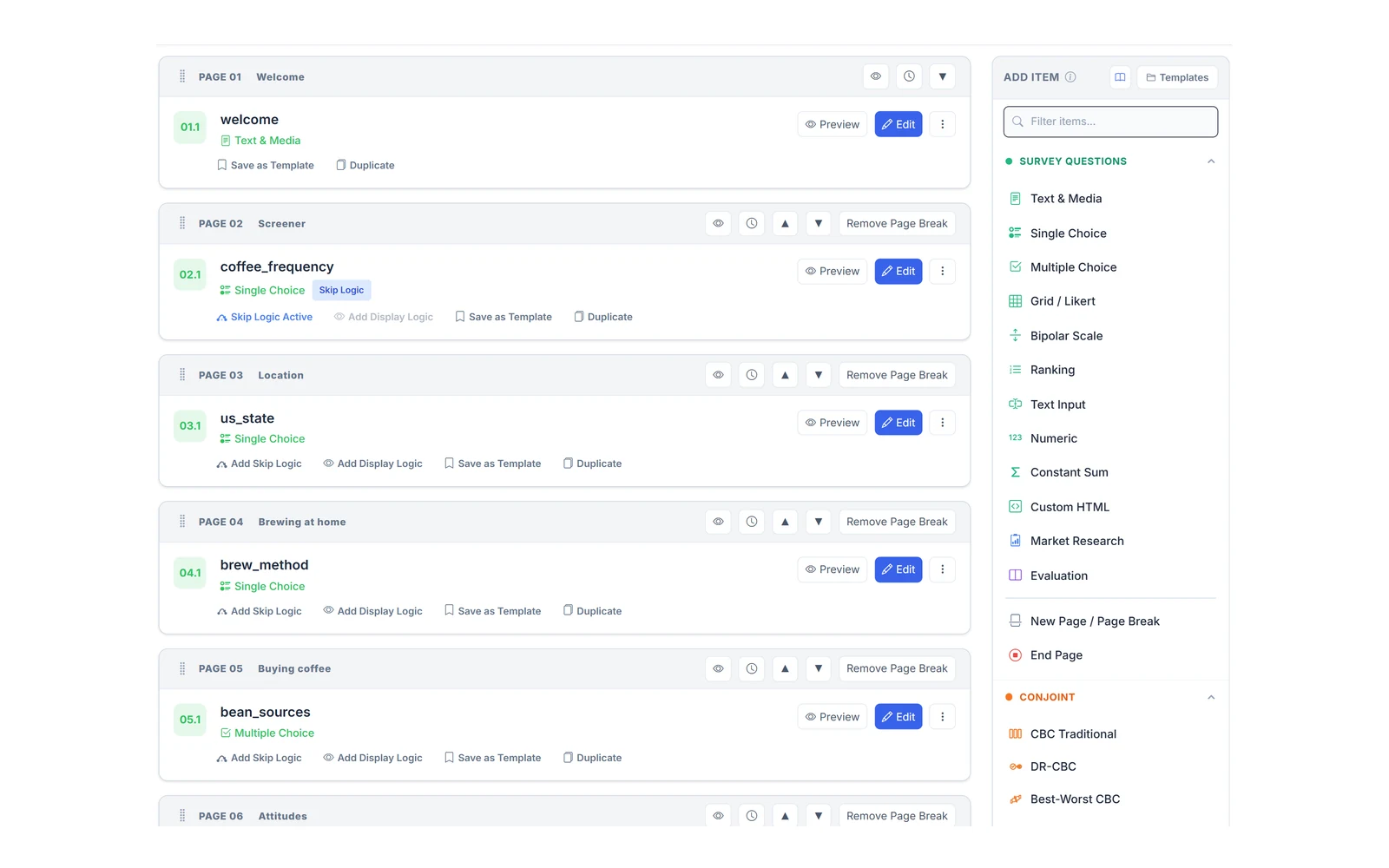
One editor for everything
Conjoint tasks and classic questions live in the same drag-and-drop flow. Reorder pages, preview the respondent view at any time, and rename variables without breaking collected data.
- Drag-and-drop page and item ordering
- Live preview of the exact respondent view
- Rename-safe storage: variable names can change mid-field
- Images and rich text in questions and answer options
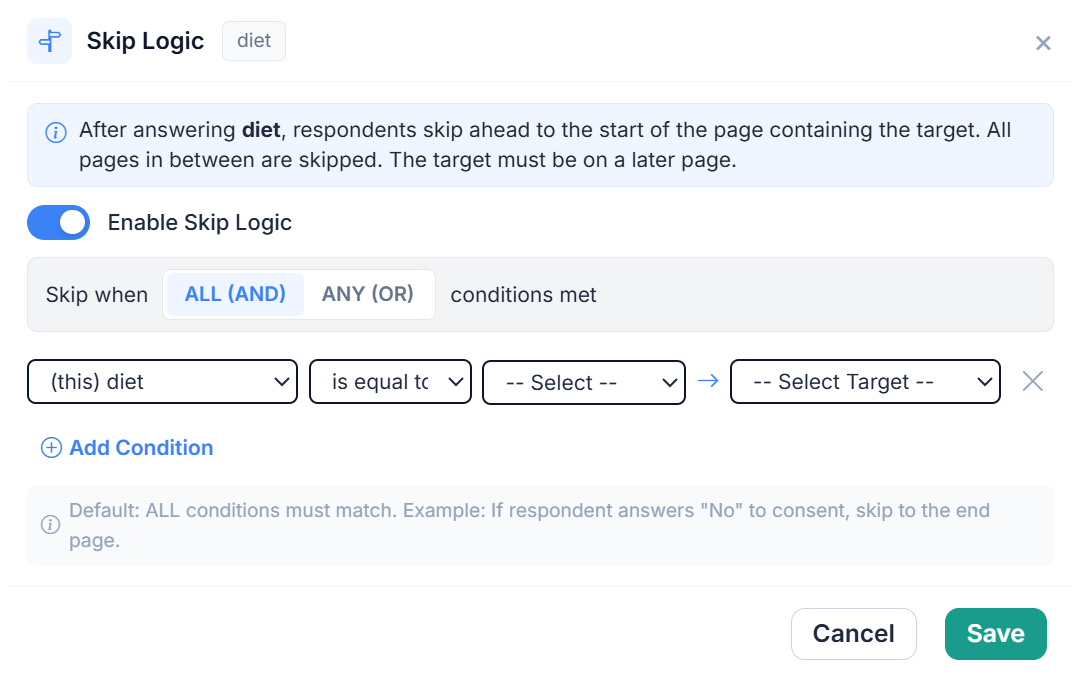
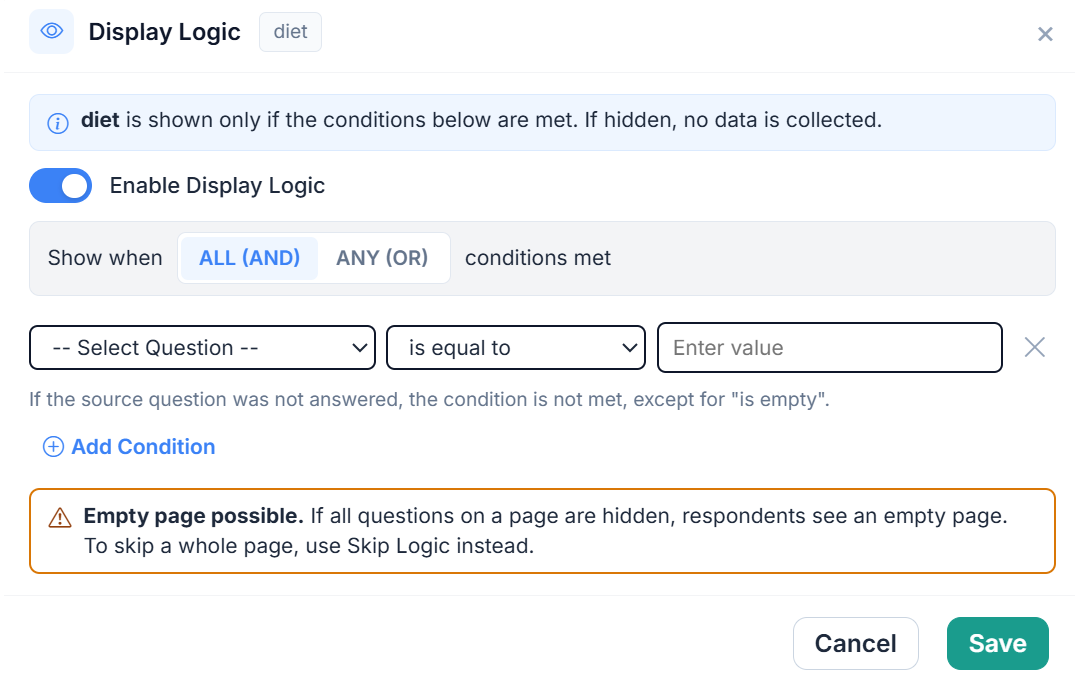
Logic, randomization, experiments
The flow control researchers actually need, from a simple screener skip to a full between-subjects experiment.
- Skip logic and display logic
- Randomization blocks (order effects under control)
- Between-subjects conditions for split designs
- Per-page timing, built-in bot protection and HMAC-signed responses
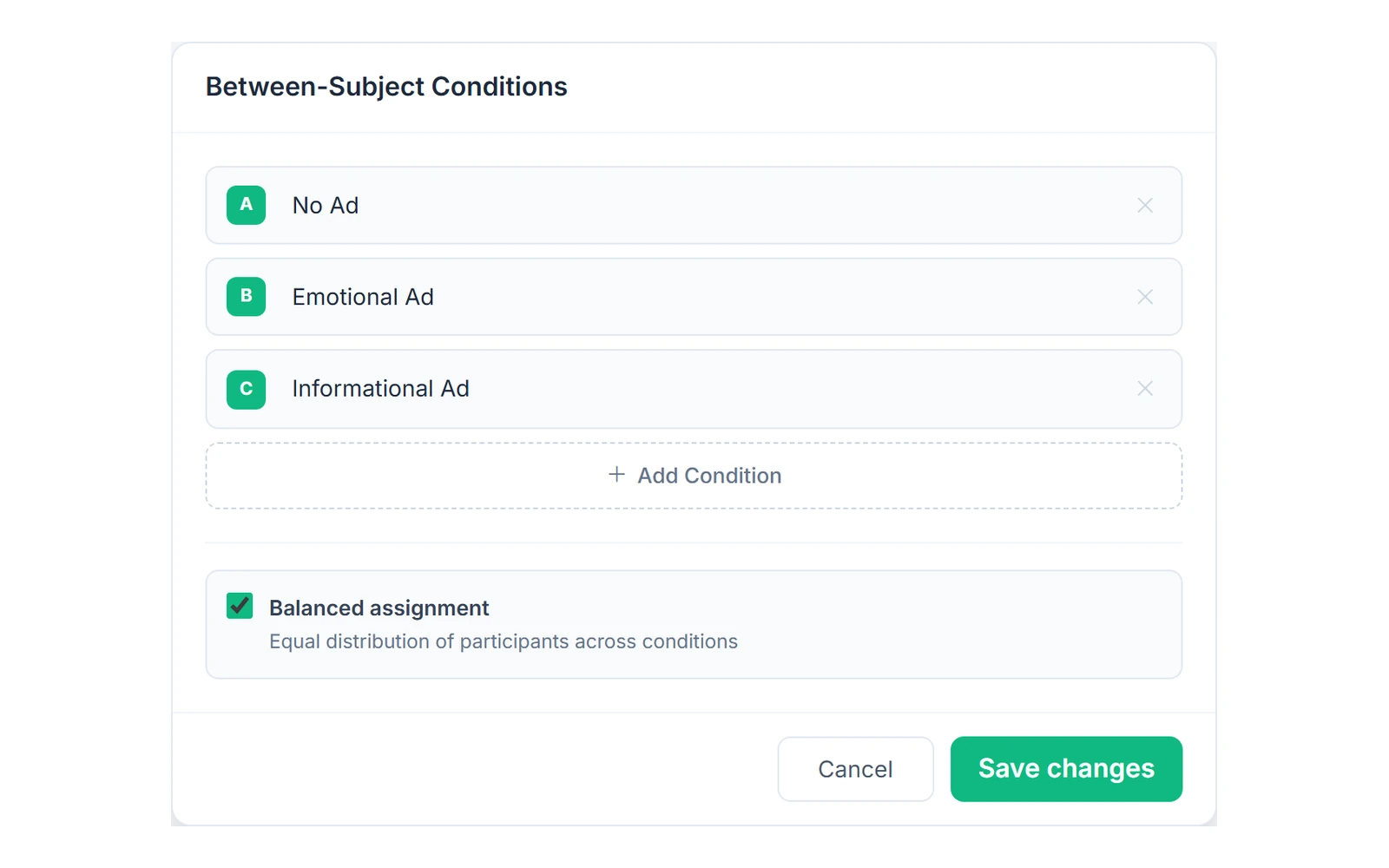
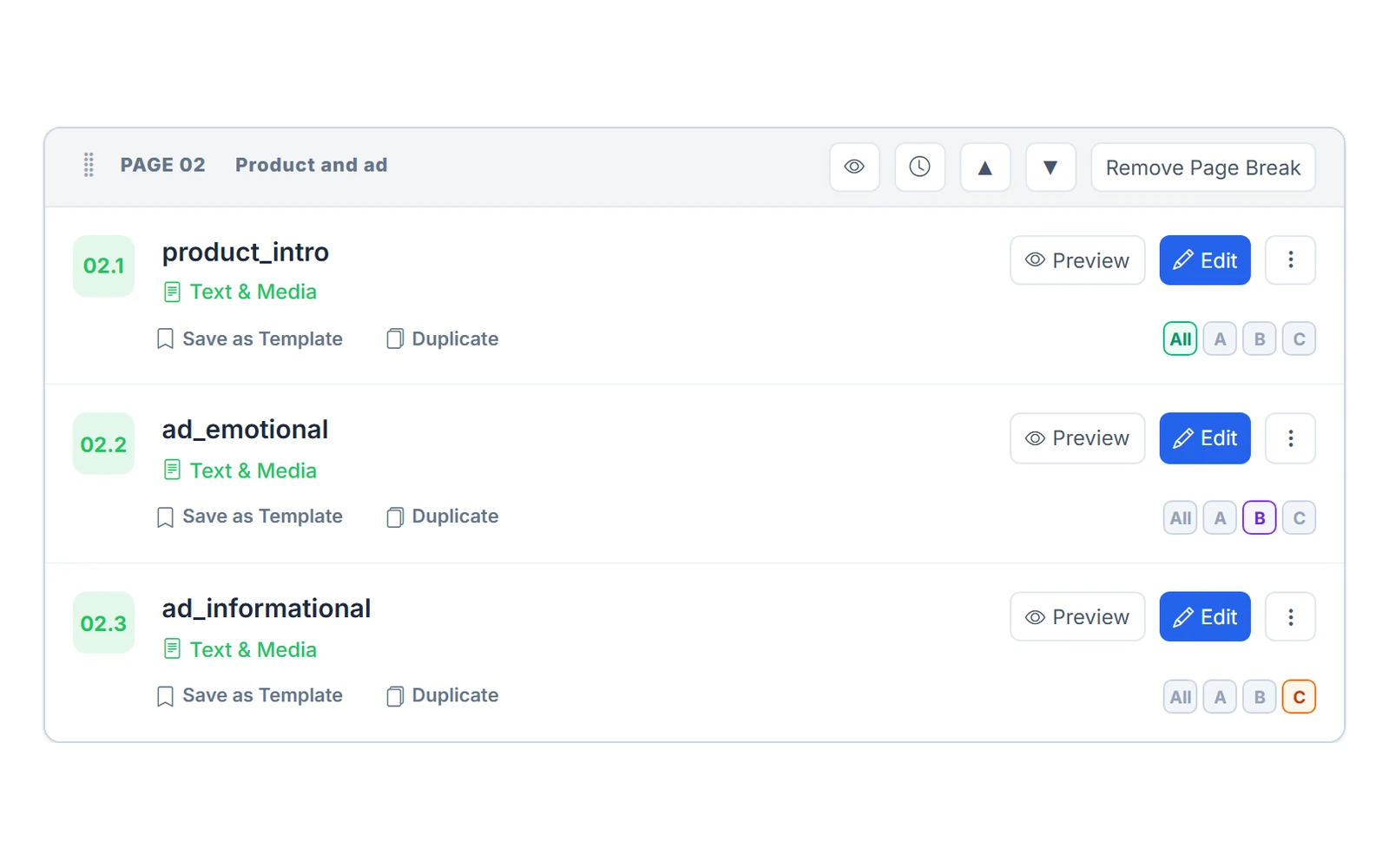
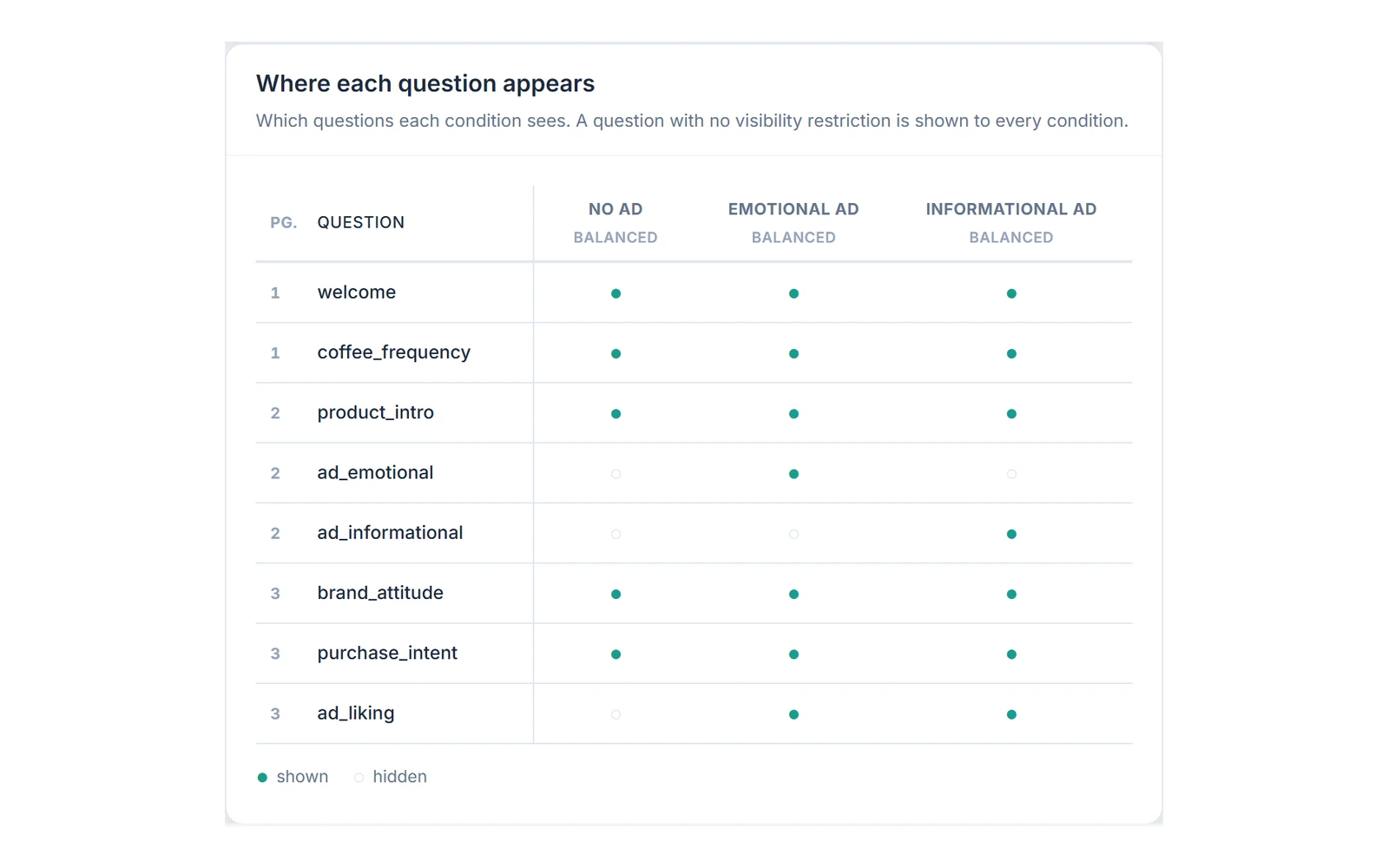
A/B tests and between-subjects experiments
Split respondents into groups and give each group its own version of the survey, for example a different ad, price or wording. Each respondent is assigned to one group when the survey starts.
- Up to 10 groups, assigned in turn or at random with your own percentages
- Each question shown to all groups or only to the groups you pick
- The group is saved with every response and exported as experimental_condition
- Preview & Test walks the survey as any group
Run your next conjoint study in Choicery
Try the full platform for free, and upgrade when your study needs more respondents.
No credit card required · Up to 50 respondents free · No fixed term